


Operational guidance
For people already operating a project.Get analysis, direction and practical advice for problems encountered during implementation.
- Problem diagnosis
- Operational and planning guidance
- Feedback and adjustment recommendations
WordPress / Shopify, page building, plugin settings and launch checks.
Discuss my project ↗Explore the options ↓Choose support for your experience and project stage.
You have experience and need help with current problems.
Find your option ↗02 / PROJECT STAGELearn with videos and submit questions as you practice.
Find your option ↗03 / PROJECT STAGEAdvice from planning through launch and operations.
Find your option ↗Get analysis, direction and practical advice for problems encountered during implementation.

Learn step by step with provided videos on your schedule. Submit questions as they arise and receive support throughout the agreed service period.

Ongoing advice on objectives, implementation and operations, with milestone discussions, priorities and progress reviews.
Incubation focuses on guidance, learning support and advisory. Submit learning questions at any time; agree the period, response arrangements and scope first. Building, changes, development and managed operations are separately scoped and priced.
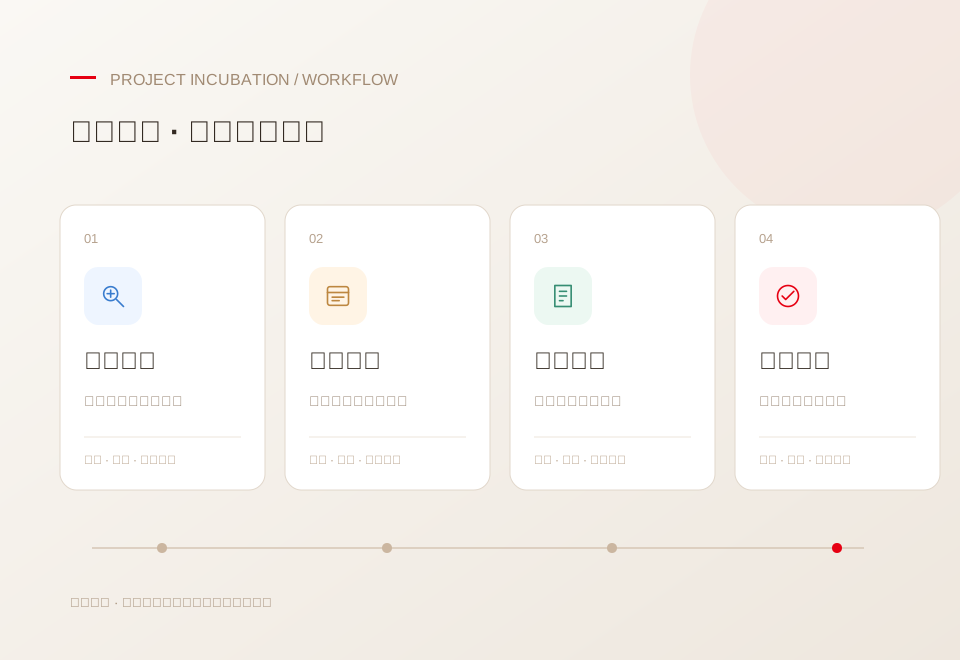
Discuss business needs before choosing a platform and pages.
Create pages, navigation and content with lesson support.
Review domains, HTTPS, forms and settings, then run your own checks.
Get advice on updates, extensions and real operational issues.
Agree the depth, frequency and service period before starting.
Discuss WordPress / Shopify against your requirements.
Questions about themes, plugins, layouts and editing.
Guidance on DNS, HTTPS and form notifications.
Discuss sequencing and key decisions from content to launch.
Provide project facts, learn and carry out actions, report results and decide which advice to adopt.
Understand your project, explain options, answer learning and operational questions, and discuss progress at agreed checkpoints.
Describe the goal, symptoms and steps tried. Include the lesson and timestamp for video questions.
Confirm suitability, then agree scope, communication method, number of questions or period, and fees.
Apply the guidance yourself and follow up within the agreed scope. New issues are assessed separately.
Agree the scope, fees and arrangements before starting.
No. Support provides analysis and guidance; you perform the actions. Implementation requires a separate fee and agreement.
Yes. Choose relevant videos and learn on your schedule. Submit questions as they arise; support continues throughout the agreed period, with response arrangements confirmed first.
Share the URL, tools and versions, errors, steps, expected results and attempts. Include lesson details for video questions. Do not submit passwords through public forms.
We assess the issue and evidence first. Platform restrictions, access and software defects may limit diagnosis. Limitations are explained without promising rankings or financial outcomes.
Guidance focuses on current questions and operational difficulties. Advisory covers project objectives, implementation, ongoing operations and reviews over an agreed period.
A question, screenshots or a lesson timestamp is a useful starting point.